
AuthBook Authenticator 2FA
Offline MFA codes, no account
Offline 2FA & OTP codes made on your phone. No account, no sign-up, no ads.
Screenshots
Key Features
Two-factor codes made on your phone, kept in an encrypted vault that only you can open:
Works Offline
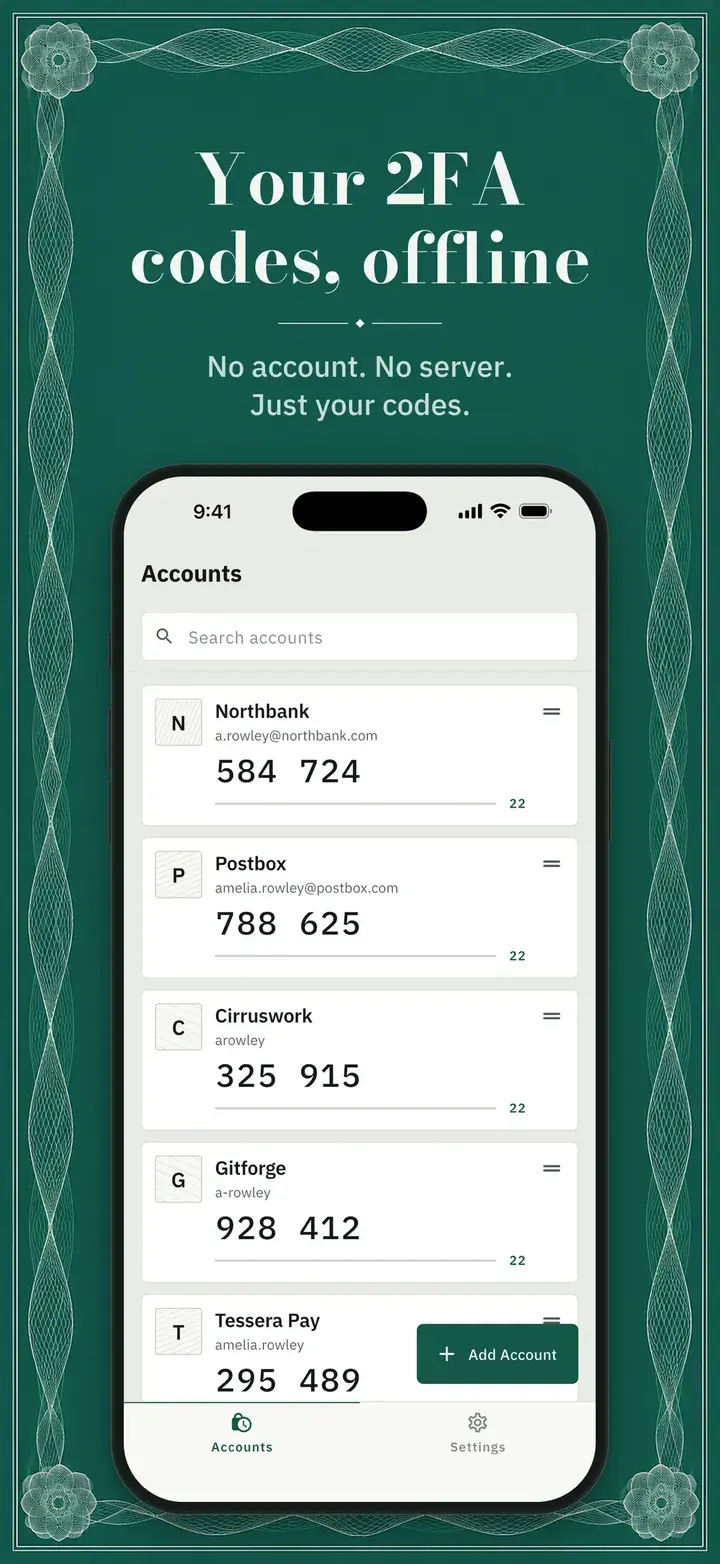
Time-based (TOTP) and counter-based (HOTP) codes, 6 to 8 digits, made on your phone. Turn on airplane mode and every code still works.
A Vault File You Own
Your accounts are kept in one encrypted file that is yours to keep and copy: AES-256-GCM, with a key stretched from your passphrase. We never receive it.
Printable Recovery Kit
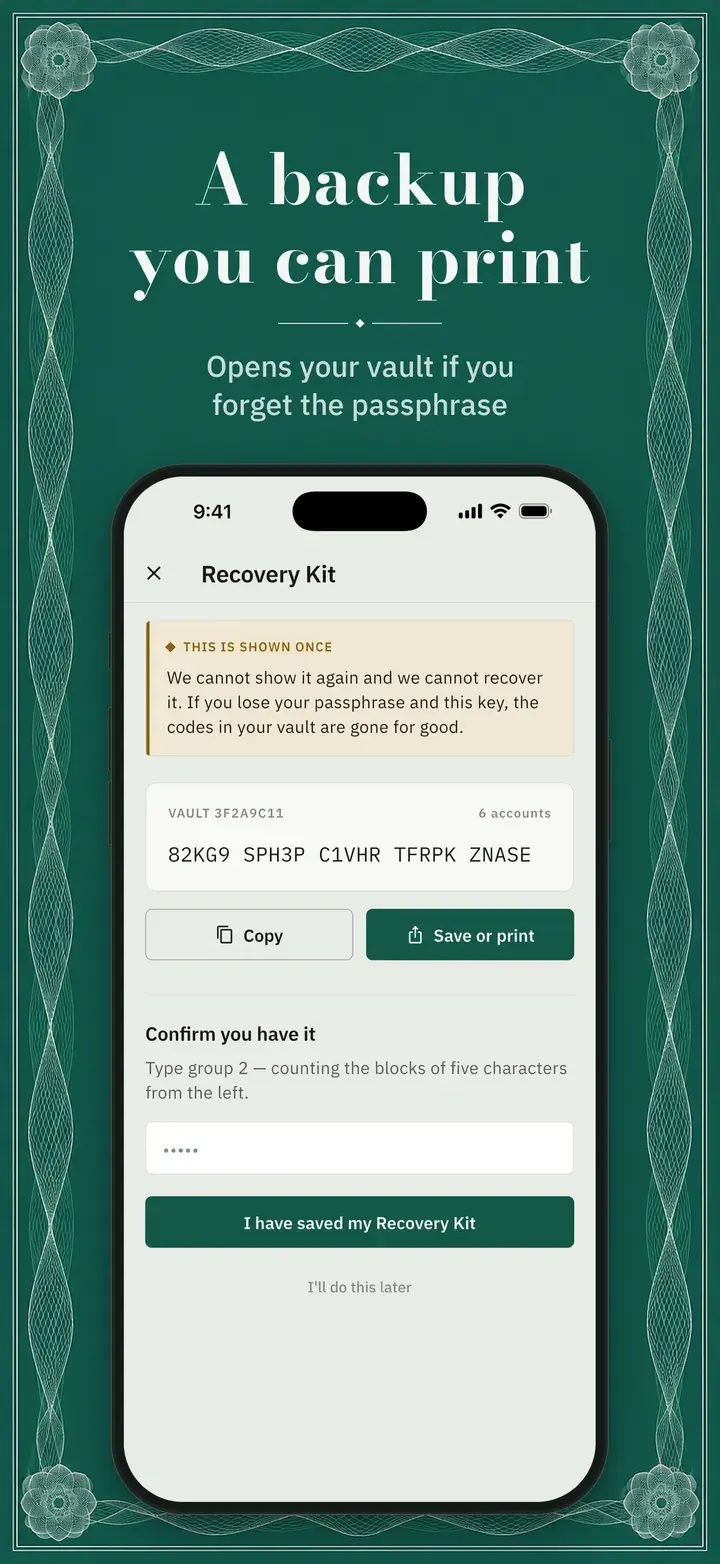
One printable key, shown once, opens your vault if the passphrase is gone. “Test your restore” checks it any time and changes nothing.
Import and Export
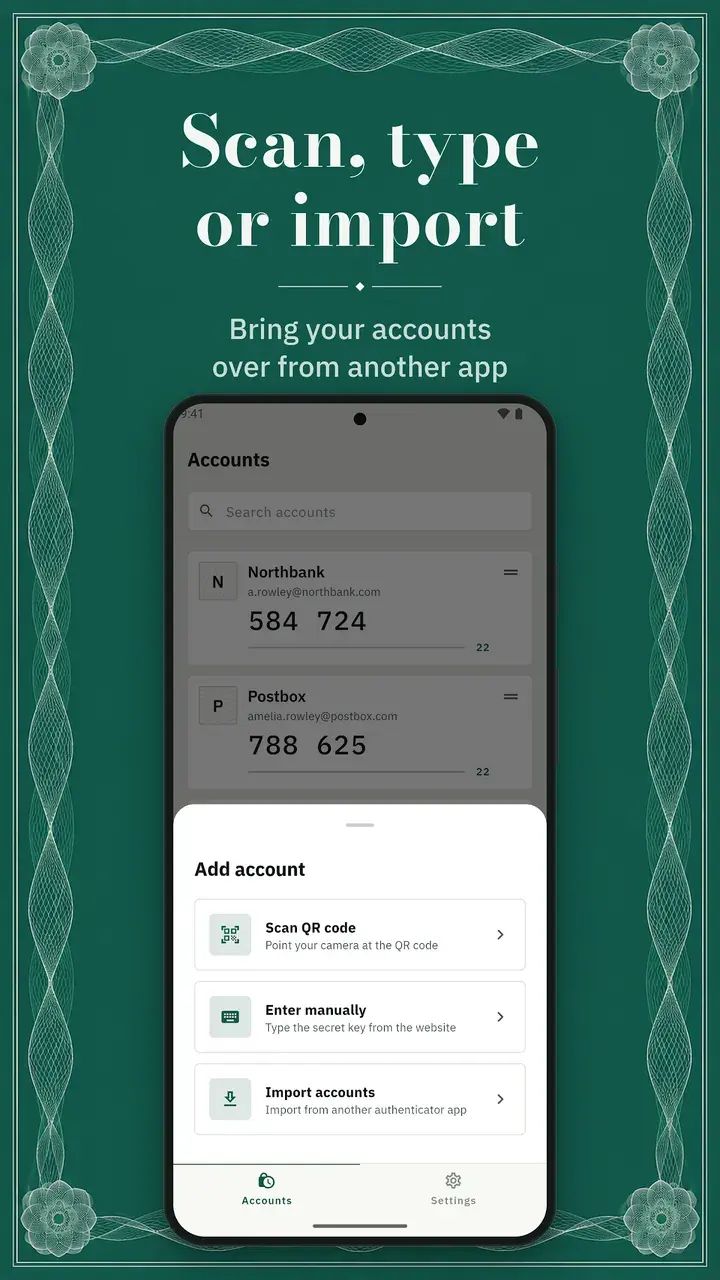
Bring accounts over by scanning an export QR code, pasting otpauth:// links or opening a supported backup file. Export whenever you want.
App Lock
Lock AuthBook with Face ID, fingerprint, your phone’s passcode or a PIN, with an auto-lock timer you choose. Codes can stay hidden until you tap them.
No Account, No Server
Your secrets and codes are never sent to us. Diagnostics carry no account names, secrets or codes, and can be turned off in Settings.
AuthBook Authenticator 2FA: frequently asked questions
What is AuthBook?
An offline two-factor authenticator. It makes time-based and counter-based codes on your phone, with no AuthBook account to create and no AuthBook server holding your codes.
Does AuthBook work offline?
Yes. Codes are made on your phone from each account’s secret and the clock, so every code still works in airplane mode.
What if I lose my phone or forget my passphrase?
Set up a vault and your accounts are also kept in one encrypted file you can copy. Restore it on a new phone with your passphrase or the printable Recovery Kit. The passphrase cannot be reset, so keep the Recovery Kit somewhere other than your phone.
Is AuthBook free?
Yes. AuthBook is free, with no ads, no in-app purchases and no sign-up.
Which languages does AuthBook support?
English, Spanish, German, French, Italian, Portuguese, Russian, Indonesian, Korean, Japanese and Chinese.
Download AuthBook Authenticator 2FA
Available for free on iOS and Android